This article details how Lagos State taxpayers can complete tax filing through the LIRS electronic portal in 2025, covering the registration process, required materials, and operating steps to help you complete annual tax returns compliantly and efficiently.
According to relevant regulations, all individuals with income sources, including self-employed individuals, business owners, freelancers, informal economy practitioners, and employees receiving salaries through the Pay-As-You-Earn (PAYE) system, must complete their 2025 tax returns within the prescribed period.
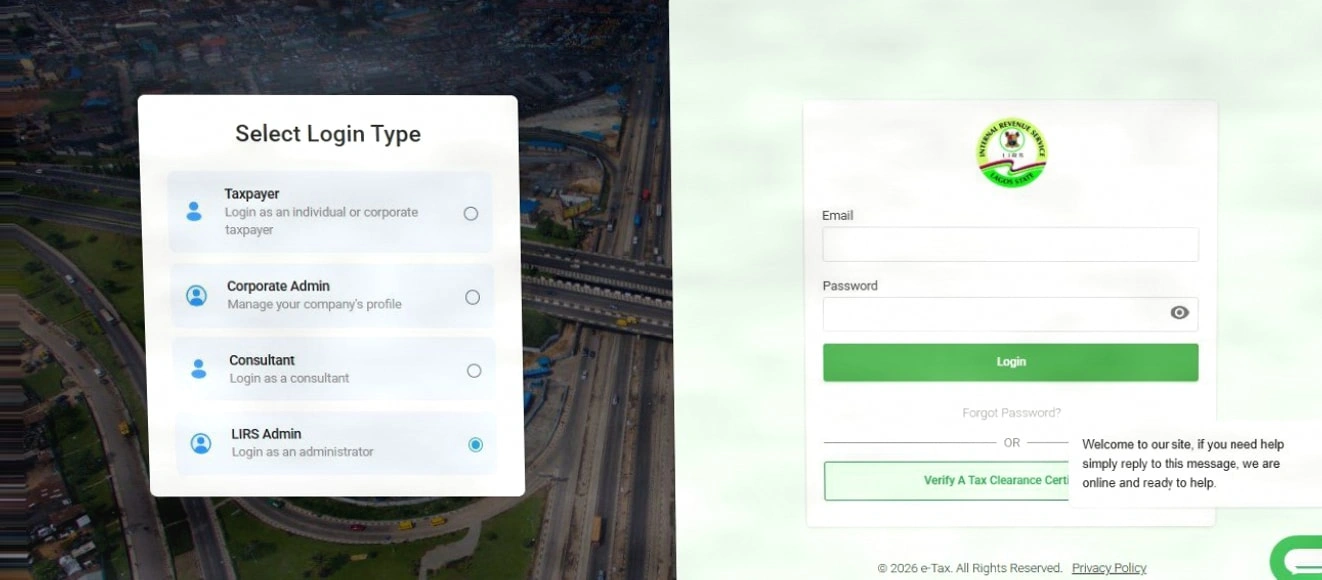
The tax authorities emphasize that failure to file on time will result in statutory administrative penalties, late payment fees, and other enforcement measures. To improve efficiency and transparency, the Lagos State Internal Revenue Service (LIRS) has fully implemented an electronic filing system. Taxpayers can complete registration, filing, upload supporting documents, and manage tax records through the official portal without having to be physically present.
This article will provide you with a clear and actionable full-process guide to help you successfully complete your 2025 tax filing.
Why is Tax Filing Essential?
Tax filing is not only a legal obligation but also the basis for ensuring personal credit, avoiding penalties, and enjoying tax benefits. Timely filing helps establish a good tax record, providing support for future loans, visa applications, or business cooperation.
How to Complete the 2025 Tax Filing Online?
The entire process is divided into three key steps: preparing materials, registering an account, and submitting the return.
Step 1: Collect Necessary Financial Documents
Before starting the filing, please ensure you have prepared the following supporting materials:
Annual income details (pay slips, bank statements, customer payment records, etc.)
Operating cost and expense vouchers (invoices, receipts, rental agreements, etc.)
Proof of tax paid (such as prepaid tax bills)
Identity documents and business registration documents (if applicable)
Step 2: Register for an LIRS Electronic Tax Platform Account
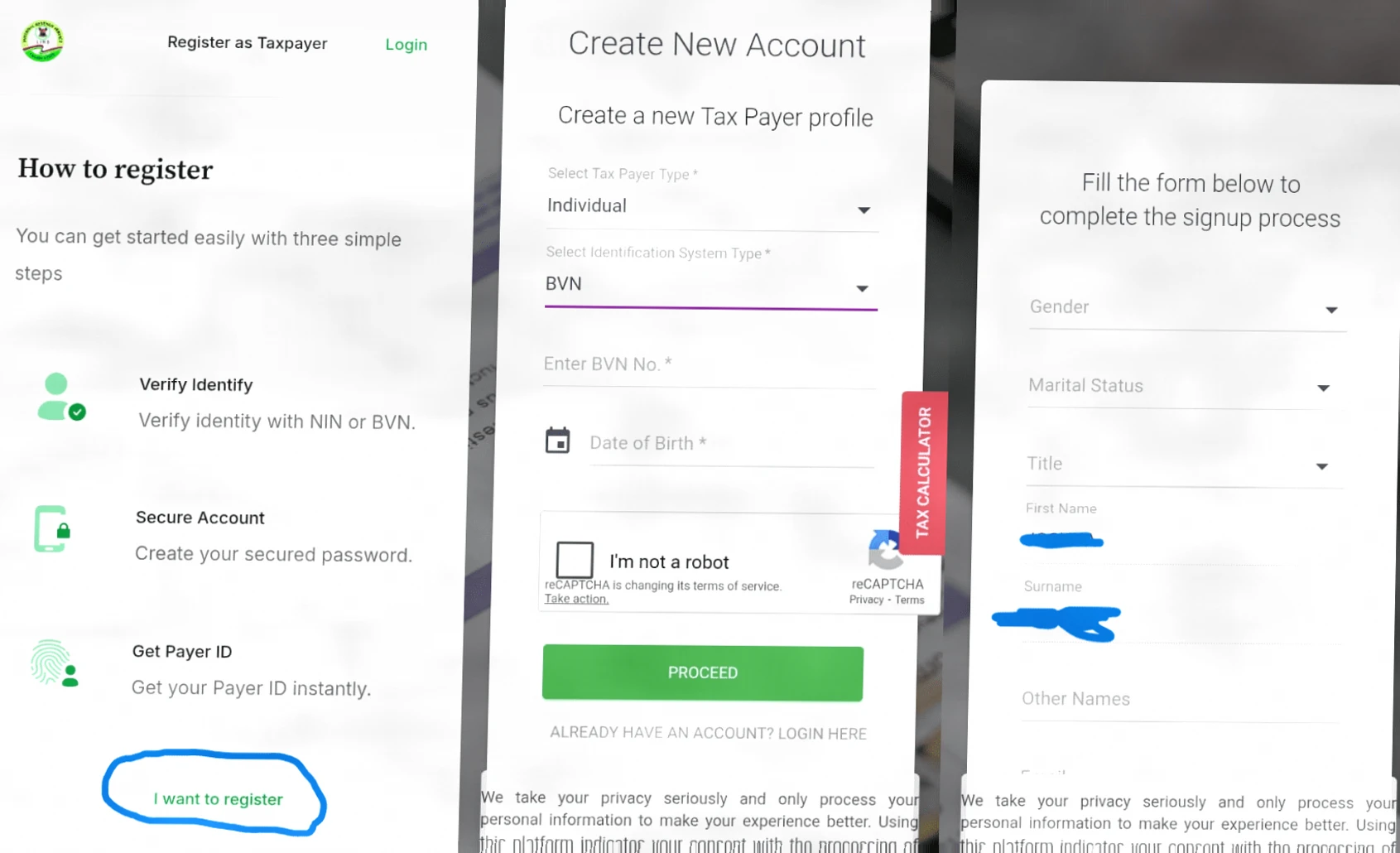
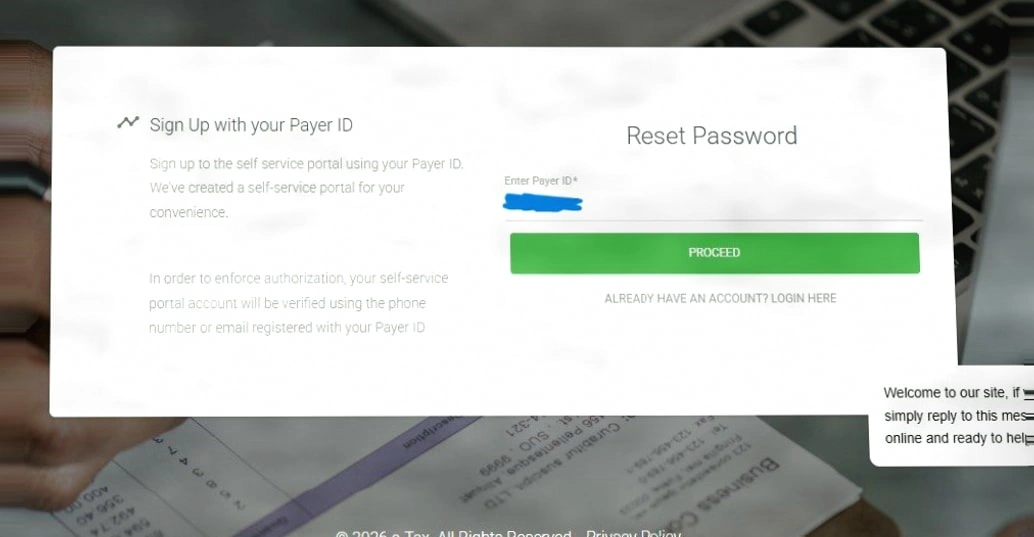
If you have not registered yet, please visit the LIRS official website and enter the "Taxpayer Registration" portal. Fill in the basic information as prompted, including name, contact information, income type, and Taxpayer Identification Number (TIN). After the system review is approved, you will receive an exclusive tax number and login credentials.
Step 3: Log in and Submit the 2025 Annual Return
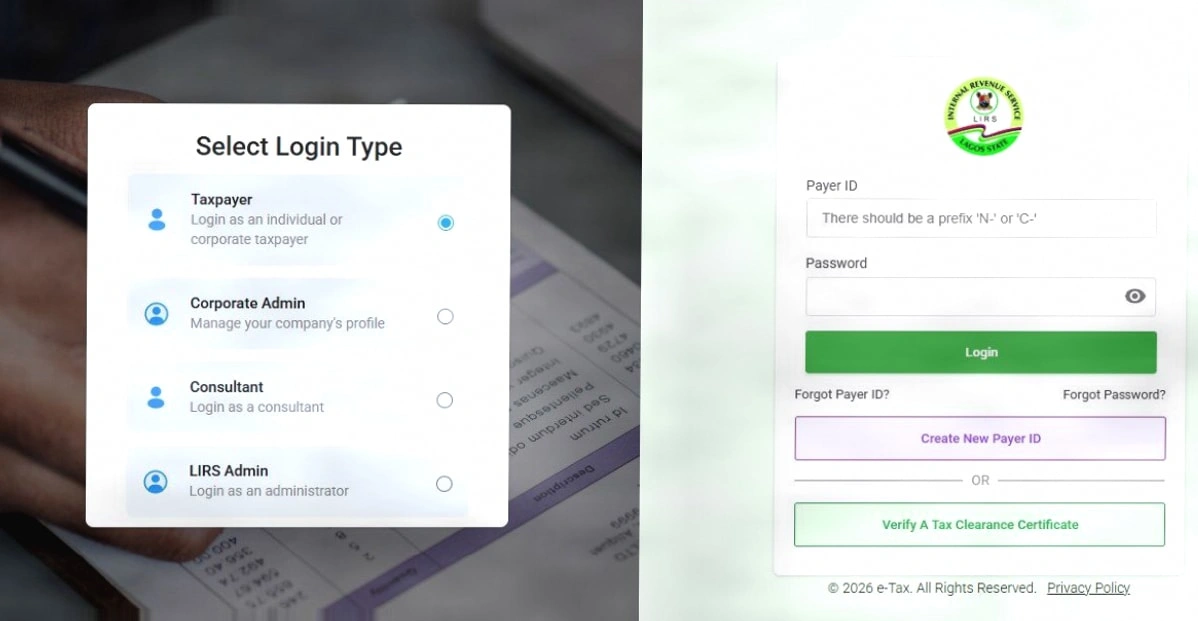
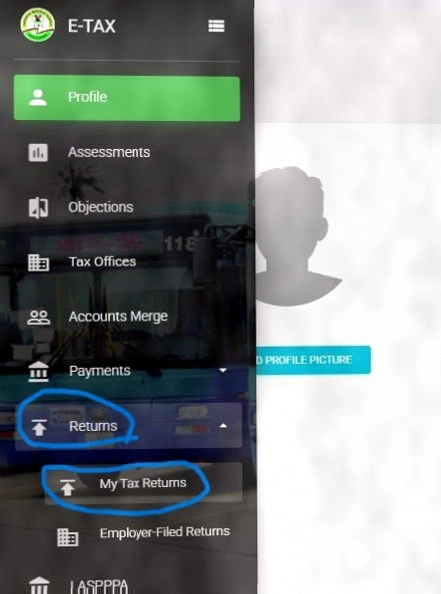
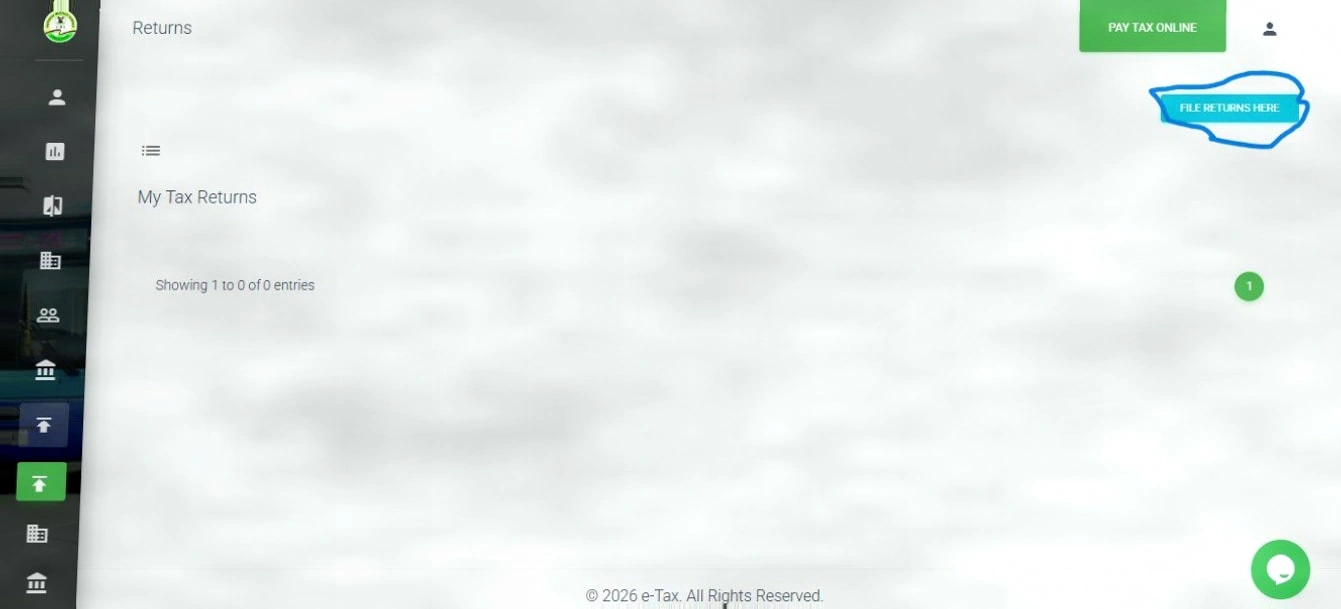
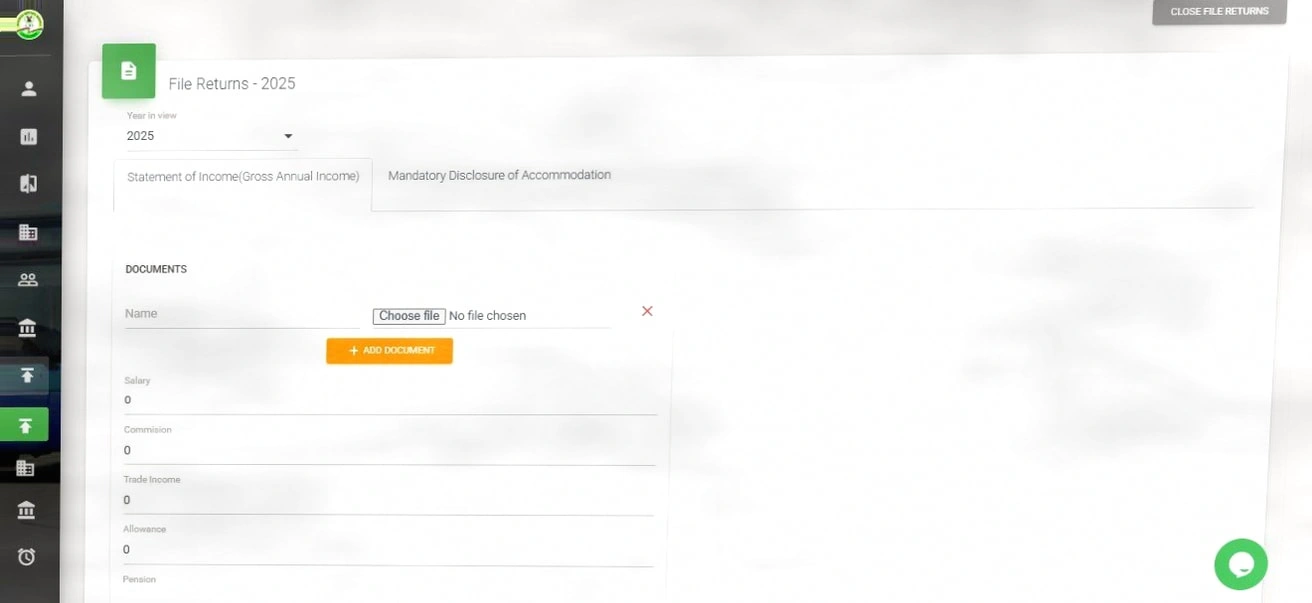
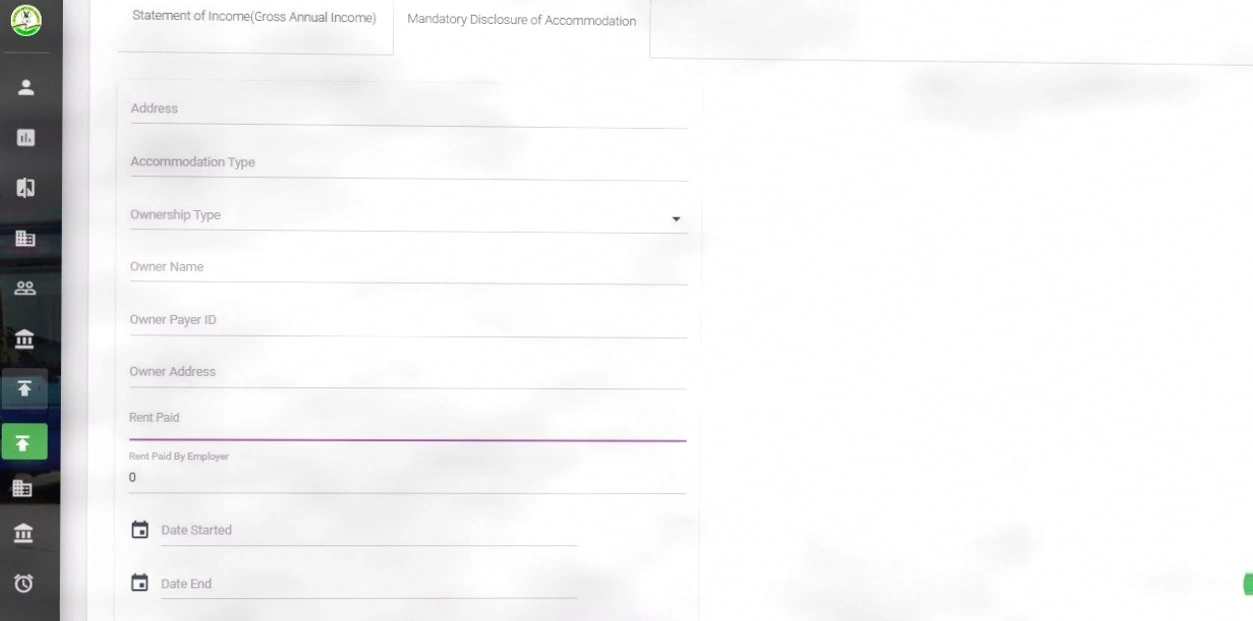
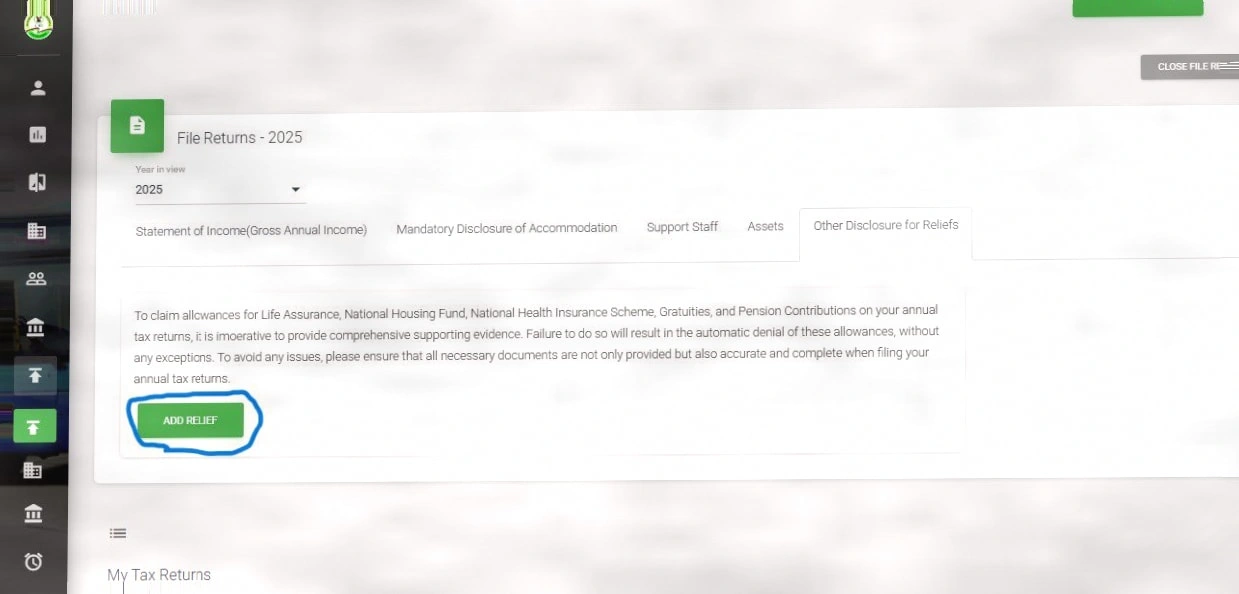
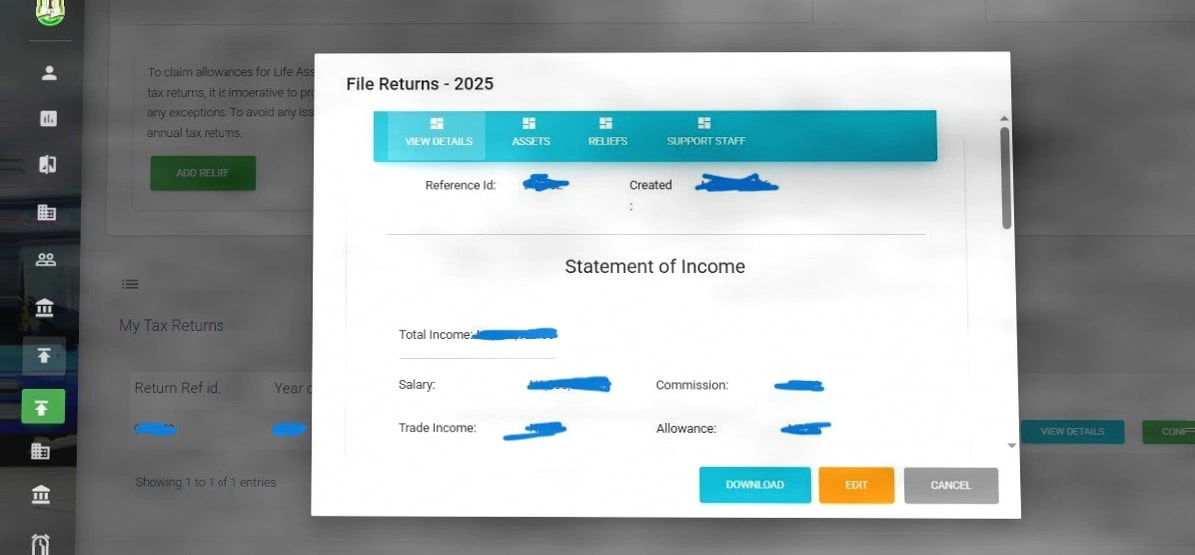
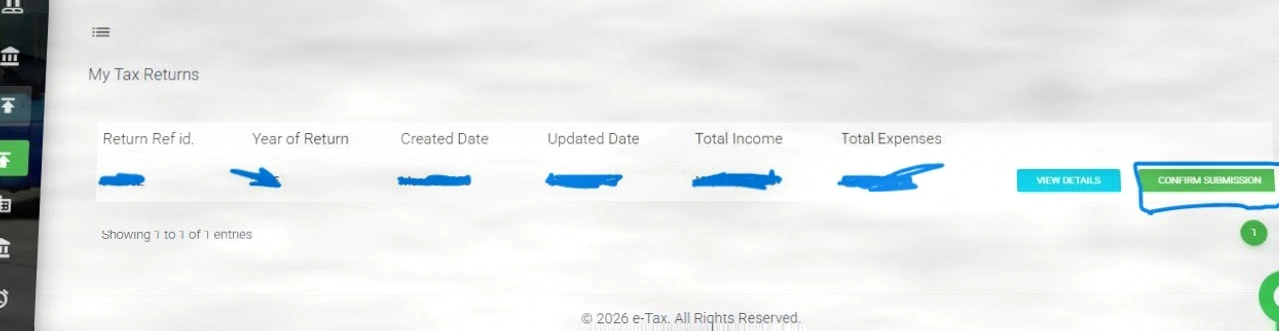
Log in to your personal dashboard using the successfully registered account, select the "2025 Tax Return" option, and the system will guide you to fill in income and deduction items. Please upload relevant supporting documents and submit after verifying that the information is correct. The system will generate an electronic receipt, which is recommended to be saved or printed for future inspection.
Explanation of Common Terms
TIN (Taxpayer Identification Number): A unique taxpayer identification code issued by the tax authority.
PAYE (Pay As You Earn): A system in which employers withhold income tax from employees' wages and pay it on their behalf in accordance with the law.
Electronic Receipt: A confirmation document automatically generated by the system after successful filing, which has legal effect.
0 comment A文章作者M管理员
No Comments Yet. Be the first to share what you think
❯
Profile
Search
Checking in, please wait...
Click for today's check-in bonus!
You have earned {{mission.data.mission.credit}} points today